Explore QualityTV

 TECHNOLOGy


Discover subscription options, compatible streaming devices and helpful setup information.

Everything you need to understand your streaming options and get started.


Stream Live Sports & TV
Without the Heavy Cable Bill

Get TSN, Sportsnet, local channels, live channels in. Firestick, Android, and Smart TVs starting at just $12/month.

View Pricing Plans Request Free Trial
✓ No Long-Term Contracts ✓ VPN Compatible ✓ Instant Setup
24 HOUR TRIAL

Explore QualityTV

Find subscription options, discover compatible devices and get help setting up your streaming experience

Subscription Options

Explore available plans and subscription options.

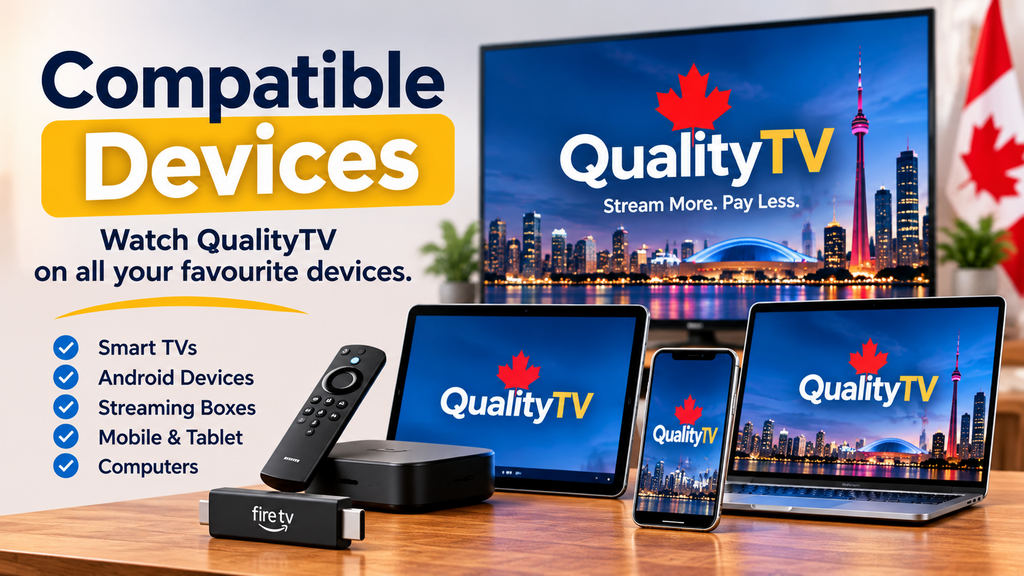
Compatible Devices

Find out which televisions and streaming devices are supported.

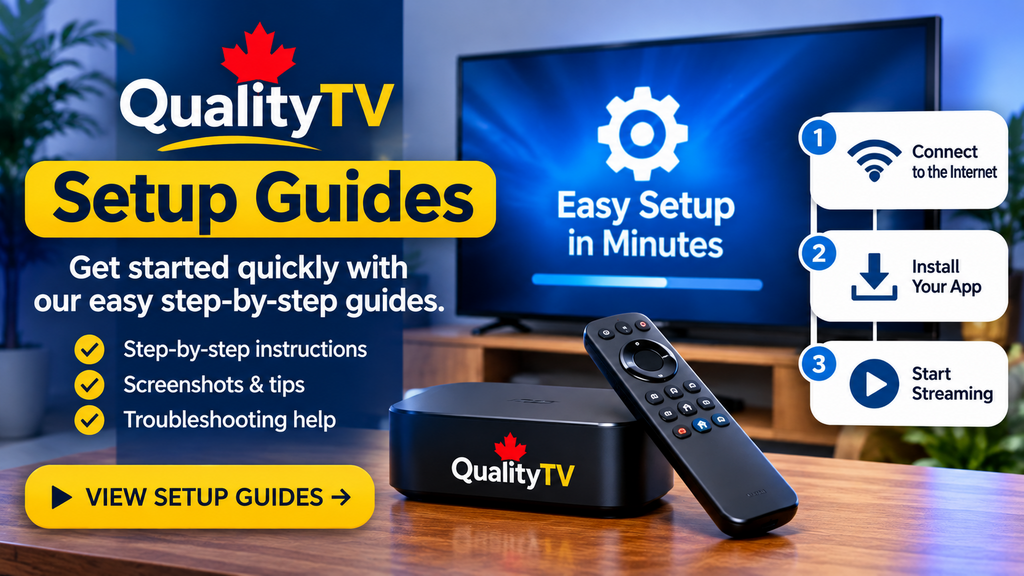
Setup Guides

Find step-by-step installation instructions.

💰 TRANSPARENT RATES

Choose Your QualityTV Subscription Plan

Choose the right streaming tier for your device setup with maximum stability and full channel access.

ONE DEVICE PLAN

$12.00 / MONTH

  • ✓ 1 Device Connection
  • ✓ Subscription Access
  • ✓ Setup Assistance
GET STARTED
BEST SELLING PLAN

12 MONTH (3) DEVICES

$203.00 CAD
  • ✓ 3 Device Connection
  • ✓ Subscription Access
  • ✓ Setup Assistance
PRICING & ACTIVATION

THREE DEVICE PLAN

$30.00 / MONTH

  • ✓ 3 Device Connection
  • ✓ Subscription Access
  • ✓ Setup Assistance
JOIN NOW

Why Choose QualityTV?

Flexible options and helpful information to get started..

🚀

Anti-Freeze Streaming

Powered by ultra-fast servers with 99.9% uptime and low-latency sports streaming technology. Watch every game-winning goal buffer-free.

🏒

TSN & Sportsnet Live

Never miss local or national sports action. Stream live games with no regional blackouts across all major Canadian networks.

🔓

No Long-Term Contracts

Break free from expensive traditional cable bills. Enjoy complete freedom with flexible, pay-as-you-go monthly plans and zero hidden fees.

🔒

VPN Compatible & Secure

Fully compatible with all major VPN services to keep your data private while streaming 15,000+ live channels and VOD seamlessly worldwide.

⚡ REQUEST 24 HOUR FREE TRIAL

✓ Instant Setup  |  ✓ No Credit Card Required  |  ✓ 5,000+ Happy Streamers

⚙ DEVICE COMPATIBILITY

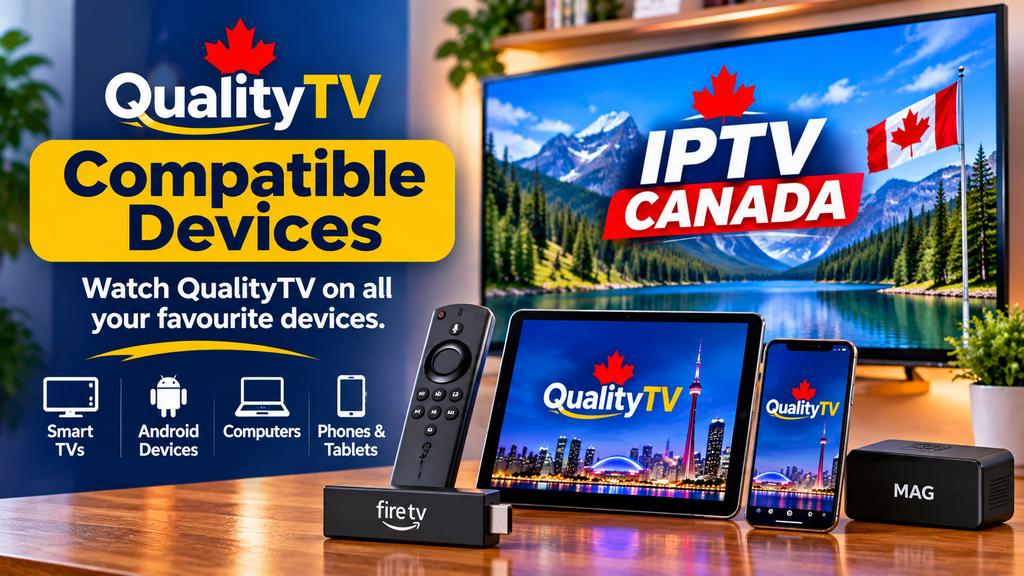
Compatible Devices

Check which streaming devices and platforms are supported by QualityTV. Explore device information and setup instructions to find the right option for your home.

🔥

Amazon Firestick

4K, Max, Lite & Cube

🤖

Android TV / Box

Nvidia Shield, Chromecast, Boxes

📟

MAG & Formuler

Stalker Portal / Xtream API

📺

Smart TVs

Samsung, LG, Sony, Android TV

🍎

Apple iOS & TV

iPhone, iPad, Apple TV

💻

PC & Mac

VLC, Web Player, Windows, macOS

 Frequently Asked Questions

Find answers to common questions about QualityTV.

QualityTV is a Canadian IPTV subscription service that provides television and streaming options over an internet connection. Customers can explore flexible subscription plans and compatible devices, with setup guides and customer support to help them get started. Our goal is to make choosing and setting up your streaming service simple and convenient.

QualityTV supports a range of popular streaming devices, including Amazon Fire TV Stick, Android TV boxes, MAG and Formuler devices, and compatible Samsung and LG Smart TVs. Streaming options may also be available on Apple devices, Windows PCs and Mac computers, depending on the supported application. Visit our Set-up page for device-specific instructions and compatibility information.

QualityTV offers flexible subscription options, including 1-month, 3-month, 6-month and 12-month plans. Depending on the plan, options are available for one device or multiple devices. Visit our Pricing page to compare the available subscriptions, review prices and choose the plan that best suits your needs.

If you need help with your QualityTV subscription, activation or device setup, you can contact our customer support team by email at michael@qualityiptv.ca. Please include your name, the device you are using and a description of the issue so we can better assist you. We will get back to you as soon as possible.

Cut the Cord in 3 Simple Steps

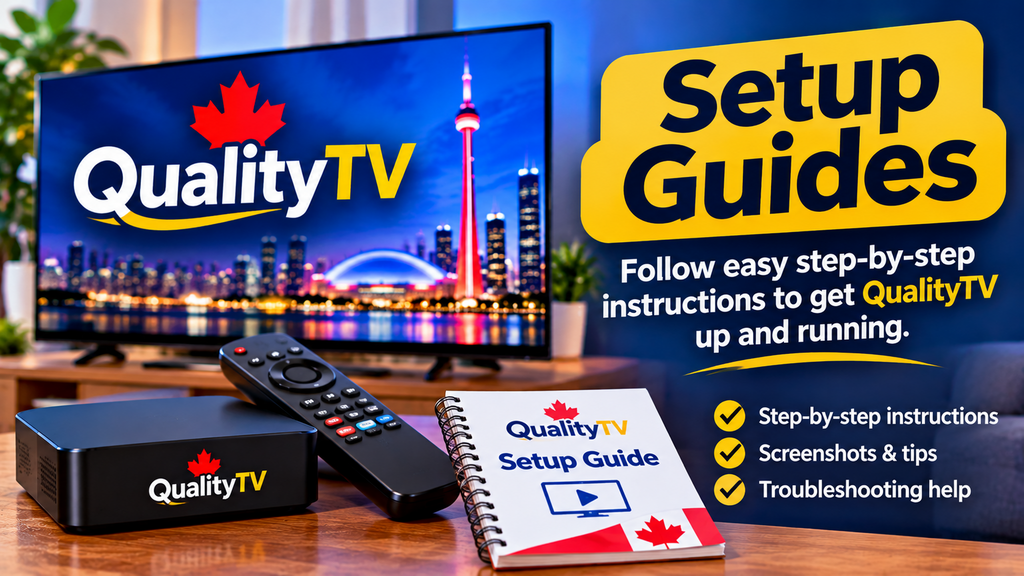
Follow our step-by-step setup guide for your compatible streaming device. Install a supported streaming player, enter your subscription details, and follow the instructions to get started.

1 Choose Your Ideal Plan

Browse our flexible subscription options and select the plan that best fits your needs and the number of devices you want to use. Visit our Pricing page to compare plans and prices. .

2 Receive Your Setup Details

Complete your order using one of our accepted payment methods. Once your payment has been confirmed, we'll send your subscription details and setup instructions by email.

3 Download & Start Streaming

Follow our step-by-step setup guide for your compatible streaming device. Install a supported streaming player, enter your subscription details, and follow the instructions to get started.

Frequently asked questions

Join QualityTV Today

Explore our subscription plans and find the option that fits your streaming needs.

Testimonials

"The automated setup email took less than 5 minutes to land in my inbox. Running TiviMate on my Firestick flawlessly." – Sarah M., Toronto

"Switched from local cable in London, Ontario, and I’m saving over $100 a month. No buffering during Saturday night hockey games." – Dave R.

Why Choose QualityTV.ca?


Flexible Subscription Options

Explore different subscription lengths and device options. Choose a plan that fits your viewing needs and budget

 
  Compatible Streaming Devices

QualityTV supports a range of popular streaming devices. Check our compatibility information to find the right setup for your device.


Easy Setup Guides


Our step-by-step setup guides help you install a supported streaming application and enter your subscription details.


Advanced Streaming Features

Need help with your subscription or device setup? Contact our support team by email and we'll be happy to assist.

.

Customer Support Hours

Customer Support Hours