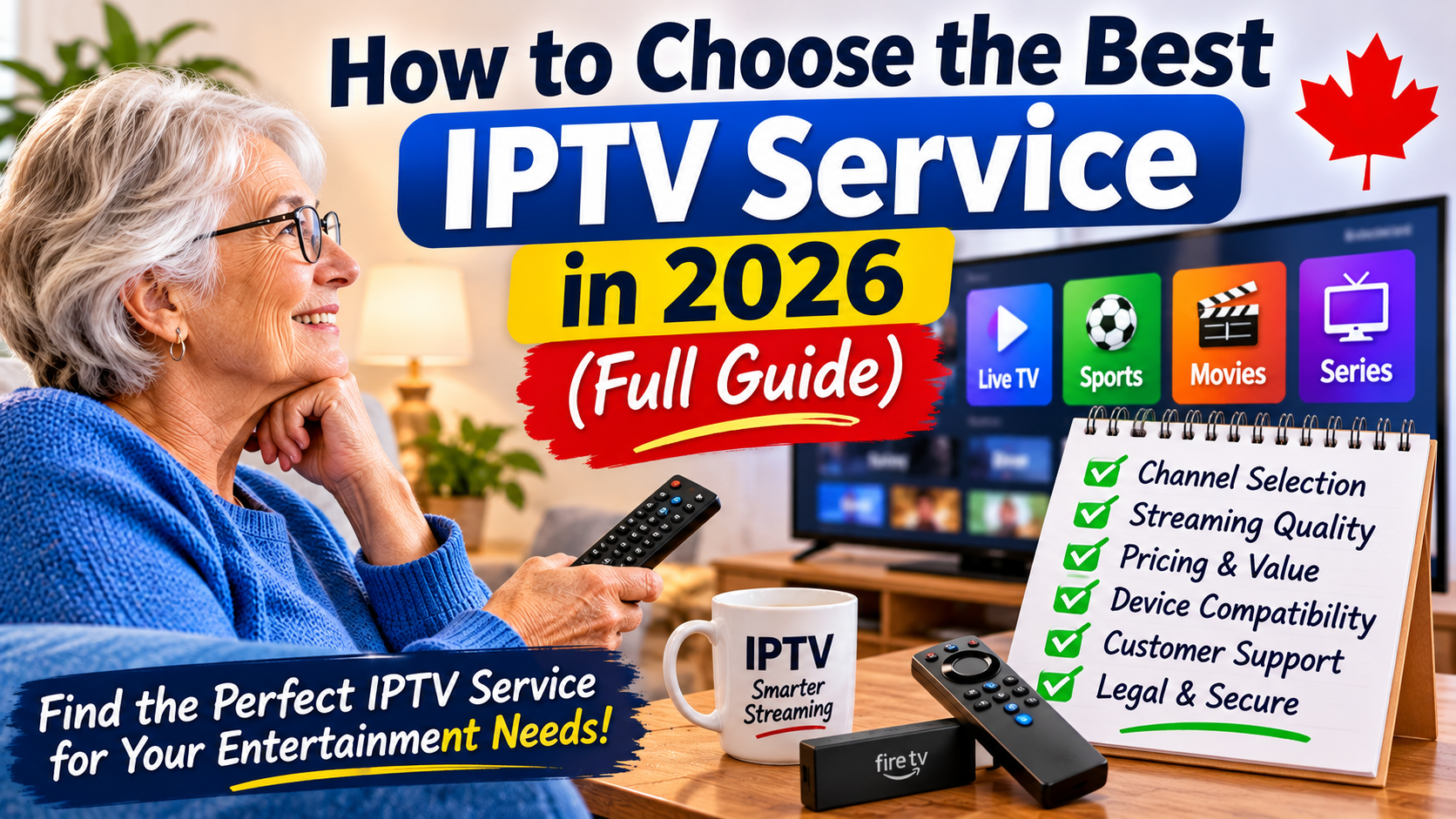
Choosing the best IPTV service in 2026 can make a major difference in how you watch television. With more people looking for flexible and affordable alternatives to traditional cable, IPTV has become an increasingly popular way to access live TV, sports, movies, and entertainment over an internet connection.
However, not every IPTV service offers the same experience. Some provide reliable streaming and useful features, while others may suffer from buffering, poor picture quality, limited support, or unexpected interruptions.
Before subscribing, it's important to understand what IPTV is, which features matter most, how to evaluate a provider, and what warning signs to avoid.
This complete guide explains how to choose an IPTV service that fits your viewing habits, budget, and devices in 2026.
IPTV stands for Internet Protocol Television. Instead of receiving television through traditional cable or satellite signals, IPTV delivers television content through an internet connection.
Depending on the service and its content rights, IPTV may provide:
Live television channels
Sports programming
Movies and television series
News and entertainment
Video-on-demand libraries
Catch-up television and replay features
IPTV can be accessed through compatible Smart TVs, streaming devices, Android TV boxes, Fire TV devices, computers, and mobile devices.
The important thing to understand is that IPTV is a delivery technology. A service must also have the appropriate rights and authorization to distribute the content it offers.
One of the first things to consider is whether a provider offers the programming you actually watch.
A large channel count may look impressive, but more channels do not automatically mean a better service.
Before subscribing, check whether the provider offers the categories that matter to you.
Look for the local, national, and international channels you regularly watch. If you live in Canada, you may want to check for Canadian news, entertainment, and regional programming.
Sports fans should check which leagues, events, and channels are included. Ask whether the provider has the necessary rights to offer the advertised programming.
If you enjoy on-demand entertainment, check the size and organization of the movie and television library. Find out how frequently the catalogue is updated and whether the content is properly licensed.
If you watch television from other countries, check whether the provider offers the languages and regions you need.
Tip: Make a short list of your must-have channels and programs before comparing providers.
Streaming reliability is one of the most important factors when choosing an IPTV provider.
A service may advertise thousands of channels, but that means very little if the streams constantly freeze or stop working.
Look for information about:
Stream stability
Picture quality
Server reliability
Peak-time performance
Channel availability
Recovery from service interruptions
Be cautious of providers promising perfect uptime or guaranteed performance. Internet conditions, device capabilities, and network congestion can all affect streaming.
If possible, look for a legitimate trial or refund policy that lets you evaluate the service before committing to a longer subscription.
Picture quality is another important consideration.
Common streaming resolutions include:
SD: Standard definition
HD: Usually 720p
Full HD: 1080p
4K UHD: 2160p
Higher resolution can provide a sharper picture, but it also requires more bandwidth and compatible equipment.
A genuine 4K viewing experience requires:
A 4K-compatible television.
A streaming device that supports 4K.
A sufficiently fast and stable internet connection.
A content source that actually provides 4K video.
Don't assume every channel advertised as 4K is available in native 4K quality. Ask the provider for clear details.
Before paying for a subscription, confirm that the service works with your equipment.
Common IPTV-compatible devices include:
Amazon Fire TV Stick
Android TV devices
Google TV devices
Compatible Smart TVs
Android smartphones and tablets
Computers and supported web browsers
Not every provider supports every device, and some require a compatible application.
Many people prefer Firestick because it is compact, affordable, and easy to connect to a television.
A typical setup involves:
Connecting the Firestick to your television.
Connecting it to your home Wi-Fi.
Installing a compatible application from an authorized source.
Following the provider's legitimate setup instructions.
Testing playback and picture quality.
Always download applications from trusted sources and avoid installing unknown software that could compromise your device.
Price is important, but the cheapest IPTV service is not necessarily the best value.
Compare the total cost and understand exactly what is included.
Consider:
Monthly subscription cost
Longer-term subscription discounts
Number of supported devices
Simultaneous streaming limits
Additional equipment costs
Refund and cancellation policies
Extra charges or renewal conditions
Be especially careful with unusually cheap lifetime subscriptions. A provider that cannot clearly explain its service, licensing, and support arrangements may not be a dependable choice.
Avoid paying for a long subscription before you have verified that the provider is legitimate and meets your needs.
Good customer support can make a big difference when something goes wrong.
Before subscribing, find out how the provider handles technical problems and account questions.
Look for:
A clearly identified support contact
Published support hours
Helpful setup instructions
Troubleshooting documentation
Clear billing and cancellation procedures
Reasonable response expectations
Be cautious of providers that only communicate through anonymous accounts or refuse to explain their business and service terms.
A trustworthy business should make it