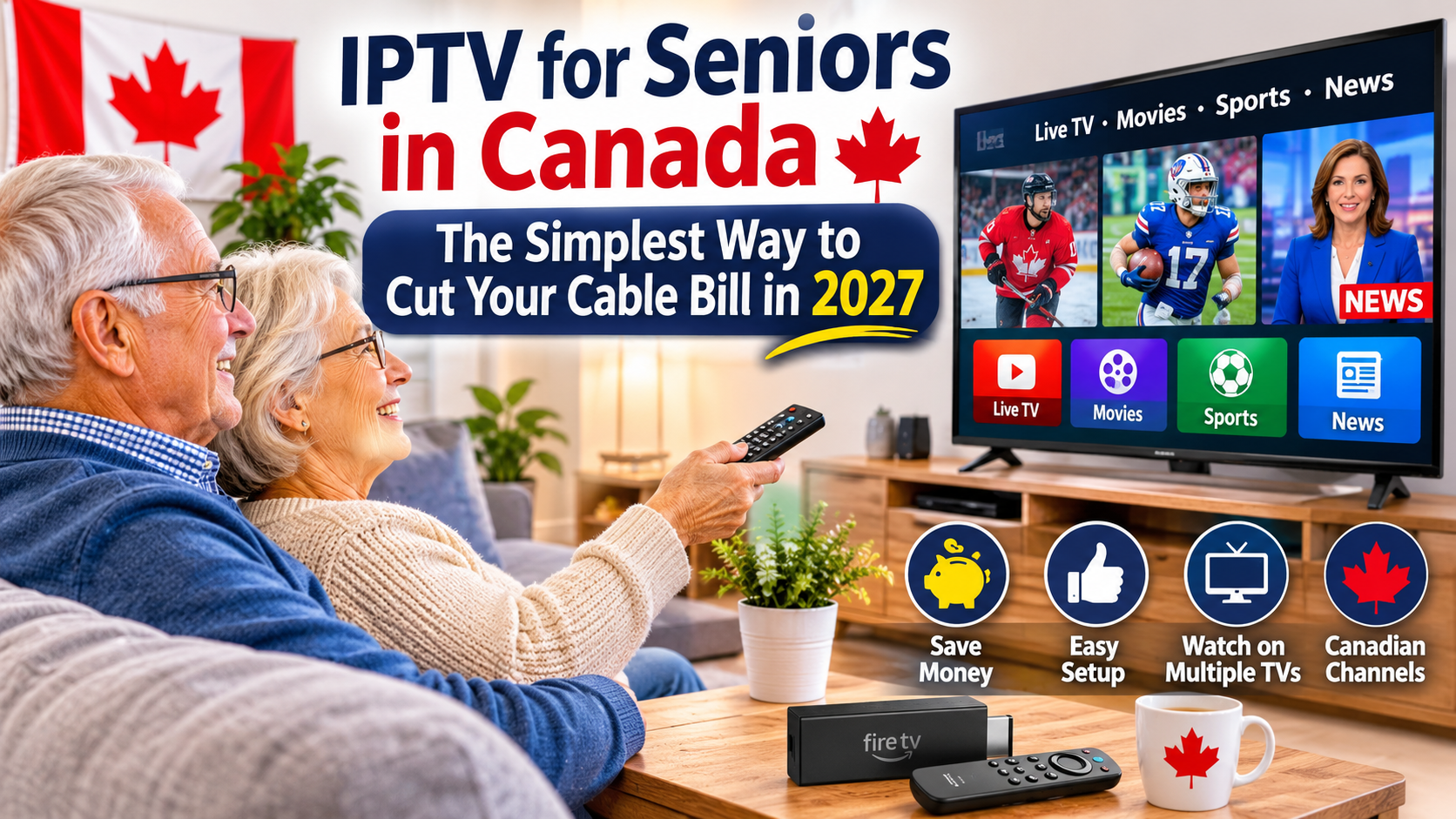
Are you a Canadian senior tired of paying expensive monthly cable television bills? Do you find yourself paying for hundreds of channels when you only watch a handful of your favourites?
You're not alone. Many Canadian households are looking for simpler and more affordable ways to enjoy television without expensive cable packages, complicated contracts, and unnecessary equipment rental fees.
The good news is that there are several ways to enjoy television through an internet connection, including authorized IPTV services and online streaming platforms.
In this easy-to-follow guide, we'll explain how IPTV works, what equipment you need, how to set it up, and how to make the transition from traditional cable television as simple as possible.
Whether you're a senior living independently, a retiree looking to reduce monthly expenses, or someone helping an older family member modernize their television setup, this guide will help you understand your options.
Welcome to the Quality TV Guide to IPTV for Seniors in Canada – 2027 Edition.
IPTV stands for Internet Protocol Television. In simple terms, it means television programming delivered through an internet connection instead of traditional cable or satellite infrastructure.
Rather than relying on a conventional cable connection, an authorized IPTV service delivers television programming through compatible internet-connected equipment.
For seniors, this can offer a convenient way to access television programming using familiar televisions and straightforward remote controls.
Depending on the service and subscription, television programming may include:
Local Canadian television channels.
News and weather programming.
Entertainment and lifestyle channels.
Movies and television series.
Sports programming.
French-language television.
On-demand entertainment.
The channels available depend on the provider and the broadcasting rights included in its service.
Traditional cable television can become expensive, especially when monthly packages include channels that household members rarely watch.
For retirees and seniors living on fixed incomes, reducing recurring expenses can make a meaningful difference.
Here are some reasons to consider internet-based television:
Potentially lower monthly costs: Some authorized internet television packages offer alternatives to traditional cable bundles.
More viewing flexibility: Depending on the service, you may be able to watch television on your TV, tablet, or smartphone.
Less unnecessary equipment: Some services work through existing Smart TVs or compatible streaming devices.
On-demand programming: Certain platforms let viewers choose programs and watch them whenever convenient.
More control over subscriptions: You can compare available packages and choose the programming that matches your household's needs.
Remember that IPTV isn't automatically cheaper than cable. Compare the total cost of internet, television subscriptions, equipment, and any additional fees before making a decision.
One of the biggest concerns for seniors is whether switching to IPTV requires complicated technology.
Fortunately, a basic setup can be quite simple.
Here is what you may need:
If you already own a Smart TV, you may be able to install compatible television applications directly.
This can eliminate the need for an additional streaming device.
A Fire TV Stick connects to your television through an HDMI port and provides access to compatible streaming applications.
Benefits include:
Simple installation.
A compact design.
A dedicated remote control.
Access to compatible television applications.
Support for HD and, on compatible models, 4K streaming.
An Android TV device is another option for accessing compatible streaming applications.
Choose a reputable model with official software support and sufficient storage.
IPTV requires an internet connection.
A stable home internet service is important for uninterrupted television viewing.
If you're already paying for home internet, you may not need to purchase an additional internet package. However, check your existing data allowance and connection performance.
The Amazon Fire TV Stick is a convenient option for people who want to add streaming capabilities to an existing television.
Here is a simple installation guide.
Plug your Firestick into an available HDMI port on your television.
Connect the supplied power adapter.
Turn on your television.
Using your regular TV remote, select the HDMI input where your Firestick is connected.
You should now see the Firestick welcome screen.
Follow the on-screen instructions to connect to your home wireless network.
Enter your Wi-Fi password when requested.
Follow the device instructions to sign in with your Amazon account.
Open the application store and search for a compatible television application or an authorized provider's official app.
Download and install the application.
Open your television application and follow the instructions provided by your authorized service provider.
Once configured, you can begin exploring the available programming.
Helpful tip for seniors: Keep the Firestick remote somewhere easy to find and label the correct HDMI input on your television if you sometimes forget which input to select.
You don't necessarily need the fastest internet package available to enjoy television online.
What matters most is having a reliable connection that can support the video quality you want.
Here are some general speed recommendations:
| Streaming Quality | Suggested Speed |
|---|---|
| Standard Definition | 5 Mbps |
| HD Television | 10 Mbps |
| Full HD 1080p | 15–25 Mbps |
| 4K Ultra HD | 25–50 Mbps |
These are approximate recommendations for a single stream. Multiple devices, video quality, and network activity can increase the bandwidth required.
For most seniors watching one television at a time, a stable HD connection may be perfectly adequate.
Before upgrading your internet package, test your existing connection to see whether it already meets your needs.
Not all television providers offer the same experience.
For seniors, simplicity, reliability, customer support, and transparent pricing should be important considerations.
Before choosing a service, look for:
Authorized Canadian programming distribution.
Clear monthly subscription pricing.
Easy-to-understand installation instructions.
Reliable customer support.
A compatible television application or device.
Simple account management.
Clear cancellation policies.
Closed captions and accessibility options where available.
Be cautious of services advertising thousands of premium channels for unusually low prices without explaining their broadcasting rights.
A trustworthy provider should be willing to explain exactly what you're paying for.
Potentially, yes.
However, the amount you save depends on your existing cable bill, internet costs, and the television package you select.
Let's look at an example of how to compare costs.
| Monthly Expense | Traditional Cable Setup | Internet TV Setup |
|---|---|---|
| Home internet | Compare existing cost | Compare existing cost |
| Television subscription | Your current bill | New service cost |
| Equipment rental | If applicable | If applicable |
| Additional streaming apps | If applicable | If applicable |
Start by finding your current monthly television bill.
Then calculate the total monthly cost of your proposed alternative.
Use this simple formula:
Monthly savings = Current total monthly cost − New total monthly cost.
For example, if your existing television package costs $100 per month and your replacement television subscriptions cost $45 per month, your potential monthly savings would be $55, assuming there are no additional costs.
Over 12 months, that would equal $660.
These are illustrative figures, not advertised service prices or guaranteed savings.
Before paying for another subscription, it's worth exploring some free television options.
Canadian seniors may be able to access a variety of programming without paying a monthly television subscription.
A suitable indoor or outdoor antenna may provide access to local broadcast television stations.
Depending on your location, available programming may include local news, weather, and entertainment.
An antenna usually involves a one-time equipment purchase rather than a recurring television subscription.
Some platforms provide free, advertising-supported television channels and on-demand content.
Examples include:
CBC Gem.
Pluto TV.
Plex.
Samsung TV Plus on compatible Samsung devices.
LG Channels on compatible LG televisions.
Availability and programming vary by platform and device.
Combining free television options with an affordable paid service may be a practical alternative to a large cable package.
Technology should make life easier, not more complicated.
Here are some practical ways to make your television setup senior-friendly.
Keep one main remote: Avoid using several different remotes whenever possible. A compatible universal remote may simplify everyday operation.
Organize favourite channels: Place regularly watched channels in a favourites list if the application supports it.
Use larger text: Adjust accessibility and display settings where available.
Enable closed captions: This can make dialogue easier to follow.
Keep the home screen simple: Remove unnecessary shortcuts and applications when possible.
Write down important instructions: Keep a small instruction sheet near the television explaining how to turn on the device and access favourite programming.
Ask for help during installation: A family member or trusted technician can help configure the device initially.
A little preparation can make everyday television viewing much easier.
This is an important question when choosing a television service.
IPTV is a technology for delivering television through an internet connection. It is not automatically a guarantee that every service distributing programming has the appropriate broadcasting rights.
Canadian viewers should choose providers that are authorized to distribute the channels and programming they advertise.
Be cautious of services that:
Offer premium channels at unbelievably low prices.
Have no identifiable business information.
Request unusual payment methods.
Require downloads from unknown websites.
Provide no meaningful customer support.
Cannot explain their content distribution rights.
Avoid sharing banking information or passwords with unverified providers.
The CRTC provides information about television services and Canadian consumer protections.
Before making the switch, take a few minutes to plan.
Use this checklist:
Review your current cable bill.
Identify the channels you actually watch.
Check whether your existing internet is suitable.
Explore authorized internet television options.
Check whether your television supports streaming applications.
Compare equipment and subscription costs.
Confirm that your favourite programming is available.
Test the new setup before cancelling cable.
Check your current contract and cancellation conditions.
You don't have to change everything overnight.
Take your time, compare the available options, and choose the television arrangement that works best for your household.
Yes. Many authorized television services offer straightforward interfaces and remote controls. A properly configured Firestick or Smart TV can make everyday viewing relatively simple.
No. Most television services can be accessed directly through a compatible Smart TV, Fire TV device, or television set-top box.
In many cases, yes. If your television has an HDMI port, you may be able to connect a compatible streaming device.
Not necessarily. Your existing home internet may already support online television. Check its speed, stability, and data allowance first.
It can be, but savings depend on your current package and the total cost of internet, subscriptions, and equipment.
Yes, provided your selected authorized service or free television platform carries the programming you want. An antenna may also provide access to local over-the-air stations.
Many services support multiple devices, but simultaneous viewing limits vary. Check the subscription conditions before setting up several televisions.
Internet-delivered television generally requires an active internet connection. An antenna may provide a useful backup for available local broadcast stations.
Retirement should be about enjoying life, not worrying about expensive monthly television bills or complicated technology.
For Canadian seniors looking to reduce household expenses, internet-based television can provide another way to enjoy news, entertainment, sports, and favourite programs.
The key is choosing an authorized service, selecting compatible equipment, maintaining a reliable internet connection, and keeping the setup as simple as possible.
You don't need the most expensive streaming device or the fastest internet package to enjoy a good television experience.
Start with what you already have, compare your options, and make the change at your own pace.
At Quality TV, we're here to help Canadians understand IPTV, Firestick technology, streaming options, and ways to enjoy better home entertainment.
Quality TV – Your Guide to Better Streaming.