Choosing the right IPTV app can make watching television on your Firestick or Android TV much easier. A good IPTV player helps organize live channels, display television schedules, manage favourites, and play compatible on-demand content.
But with so many IPTV applications available, which ones are worth considering in 2027?
Whether you're using an Amazon Fire TV Stick, an Android TV box, or a Google TV device, the best app depends on your preferences, device compatibility, and the features you need.
In this guide, we'll compare five popular IPTV player apps and explain what makes each one worth considering.
Important: IPTV player apps generally do not provide television channels or subscriptions themselves. You need a separate content provider that has the appropriate rights to distribute its programming. App availability and features can vary by device and region.
An IPTV player is an application that plays television streams delivered over an internet connection.
Rather than supplying channels itself, the player uses compatible playlist information or account details from a content provider.
Depending on the application and content source, you may be able to organize:
Live television channels
Electronic program guides (EPG)
Movies and television series
Favourite channels
Multiple playlists
Catch-up television, where supported
Recording, where supported
The app is the interface you use to watch and organize your television content.
TiviMate is a popular IPTV player for people who primarily watch television on a large screen.
Its interface is designed around remote-control navigation, making it feel similar to a traditional cable or satellite television guide.
Key features:
Organized live TV channel listings
Electronic program guide support
Favourite channel management
Multiple playlist support
Customizable interface
Additional features through Premium
Advantages:
TiviMate is appealing if you prefer a traditional channel guide with a clean layout. It offers useful organization tools and is designed for Android-based television devices.
Things to consider:
Some advanced features require Premium. Check compatibility with your particular device before purchasing.
Best for: Firestick and Android TV viewers who want a polished live television guide.
IPTV Smarters is a recognized IPTV player designed to organize live television, movies, and series into separate sections.
Its familiar layout can be helpful for people who are new to IPTV applications.
Key features:
Live TV organization
Movies and series sections
Electronic program guide support
Playlist and account management
Compatible login options, depending on the version
External video player options
Advantages:
The straightforward interface makes it a reasonable starting point for beginners. Versions of the application are available across different platforms.
Things to consider:
There are similarly named applications, so check the developer and download source carefully. Features and availability may differ between versions.
Best for: Beginners who want a straightforward IPTV interface.
Sparkle TV is worth considering if you want additional television-style features.
It is designed for Android TV and compatible devices, with support for television playlists and program guide information.
Key features:
Live TV channel organization
Electronic program guide
Timeshift support on compatible setups
DVR and recording features where supported
Multiple playlist options
Customizable viewing experience
Advantages:
Sparkle TV offers features that appeal to viewers who want more control over live television. Recording and timeshift options can be useful when supported by the device and content source.
Things to consider:
Some features require a paid upgrade. Recording and timeshift functionality depend on the source, device, storage, and app configuration.
Best for: Viewers who want additional live TV and recording features.
OTT Navigator is a flexible IPTV player aimed at people who like adjusting their viewing experience.
It offers extensive organization and interface settings, making it attractive to users who want more control over playlists and channel listings.
Key features:
Playlist organization
Electronic program guide support
Channel filtering
Favourite lists
Customizable interface
Catch-up support when available from the source
Advantages:
Customization is one of its main attractions. Users can organize their content and adjust the interface to suit their preferences.
Things to consider:
The number of settings can make it more complicated for first-time IPTV users. It may take some time to configure everything.
Best for: Experienced users who enjoy customizing their IPTV setup.
Televizo is a flexible IPTV player for Android devices, including compatible Android TV equipment.
It offers a straightforward way to organize playlists and access supported streams.
Key features:
Multiple playlist support
Electronic program guide
Favourite channels
Search and channel organization
Subtitles and audio options where supported
Additional features through Premium
Advantages:
Televizo is worth considering if you prefer a simpler player without spending too much time adjusting settings.
Things to consider:
Some features may require Premium, and the experience can vary between television devices and mobile devices.
Best for: Users who want a straightforward IPTV player with useful everyday features.
| IPTV app | Best for | Main strength |
|---|---|---|
| TiviMate | Overall TV experience | Traditional TV guide |
| IPTV Smarters | Beginners | Straightforward interface |
| Sparkle TV | Live TV features | DVR and timeshift options |
| OTT Navigator | Advanced users | Customization |
| Televizo | Simple setup | Playlist organization |
The best choice depends on what matters most to you. A beginner may prefer a simpler interface, while an experienced viewer may want more control over the program guide and playlist settings.
Installing an IPTV player on a Firestick depends on whether the application is available through the Amazon Appstore.
Turn on your Firestick and make sure it is connected to the internet.
Use the Search option to look for the IPTV player you want.
If the app is available through the Amazon Appstore, review the developer information and install it through the official store.
If it is not available, check the developer's official instructions for supported installation methods. Avoid unknown APK websites and unverified download links.
Once installed, open the player and follow its setup instructions.
Enter the compatible playlist or account information supplied by your licensed content provider.
If supported, configure your program guide, favourites, and channel groups.
Android TV and Google TV devices offer access to compatible applications through Google Play.
Open the Google Play Store.
Search for the IPTV player.
Check the developer and application details.
Select Install if the application is available for your device.
Open the application.
Follow the setup instructions.
Add your authorized playlist or account details.
Using the official app store is generally the simplest way to install and update applications.
Before choosing an app, consider these important features.
A good IPTV app should be easy to control with your Firestick or Android TV remote.
Look for clear menus, readable channel listings, and simple navigation.
An electronic program guide displays television schedules and helps you see what's currently playing and what's coming next.
Not all playlists include complete guide information, so check whether your content provider supplies compatible EPG data.
Make sure the app supports your exact device and operating system.
A player that works on an Android phone may not offer the same experience on a television.
The app should support your playlist format and work with your device's available video decoding capabilities.
Remember that buffering can also be caused by your internet connection, content source, or network congestion.
Download applications from trusted sources. Check permissions, developer information, and privacy policies before installing.
Avoid giving unknown applications unnecessary access to your personal information.
Usually, no.
Most IPTV player apps are designed to play content from a separate source. They do not automatically provide live television channels, sports, movies, or subscriptions.
You need a compatible content provider that is authorized to distribute the programming you want to watch.
Any content subscription cost is separate from the IPTV player's price.
IPTV technology and media-player applications are not automatically illegal.
The important issue is whether the content source has the necessary rights to distribute the television channels, movies, and other programming it offers.
Before subscribing, check the provider's business information, licensing, payment terms, and privacy policy.
Avoid providers that cannot explain their authorization to distribute copyrighted content.
TiviMate is a strong option for viewers who want a traditional television guide. IPTV Smarters may be easier for beginners, while the other players offer different features.
IPTV Smarters and Televizo are worth considering if you prefer a straightforward interface. Your experience will depend on the version and device.
TiviMate offers a free version, with additional features available through Premium. Check the developer's current terms and pricing.
That depends on the app's platform support and licensing terms. Some players have separate versions for different operating systems.
Internet-based IPTV streaming requires an internet connection, although some applications may offer limited local media playback.
Buffering can result from slow internet, weak Wi-Fi, router problems, device limitations, or issues with the content source.
The player itself does not normally supply sports channels. You need an authorized content source that offers the sports programming you want.
Choosing the right IPTV app for Firestick or Android TV in 2027 comes down to your viewing habits and the features you need.
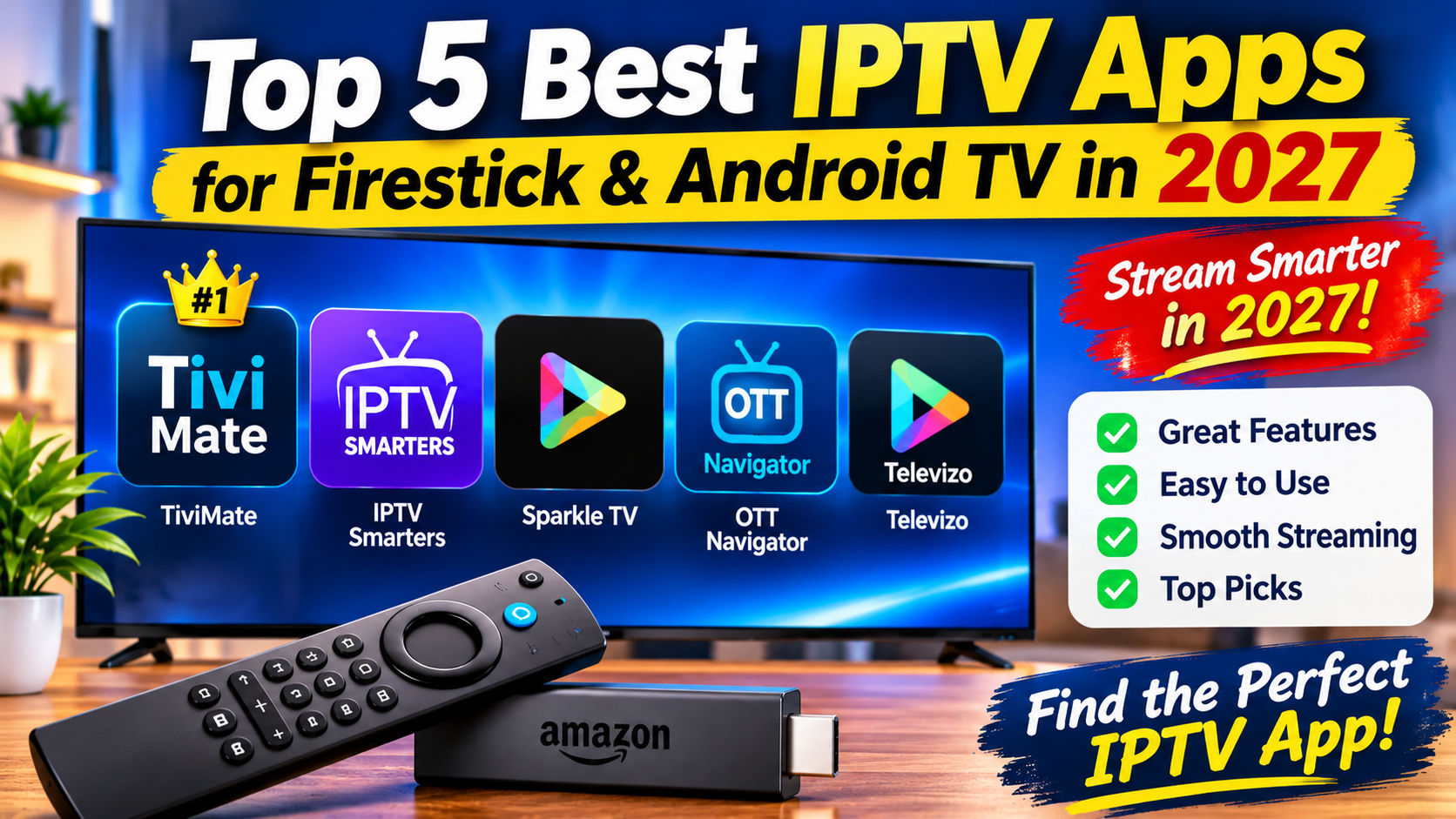
TiviMate is worth considering for its television-style guide, IPTV Smarters offers a familiar interface for beginners, Sparkle TV provides additional live TV features, OTT Navigator gives advanced users more customization, and Televizo offers a straightforward alternative.
Before installing anything, check device compatibility, use trusted download sources, and make sure your content provider has the appropriate distribution rights.
With the right player and a reliable internet connection, you can create a more organized and convenient television experience.